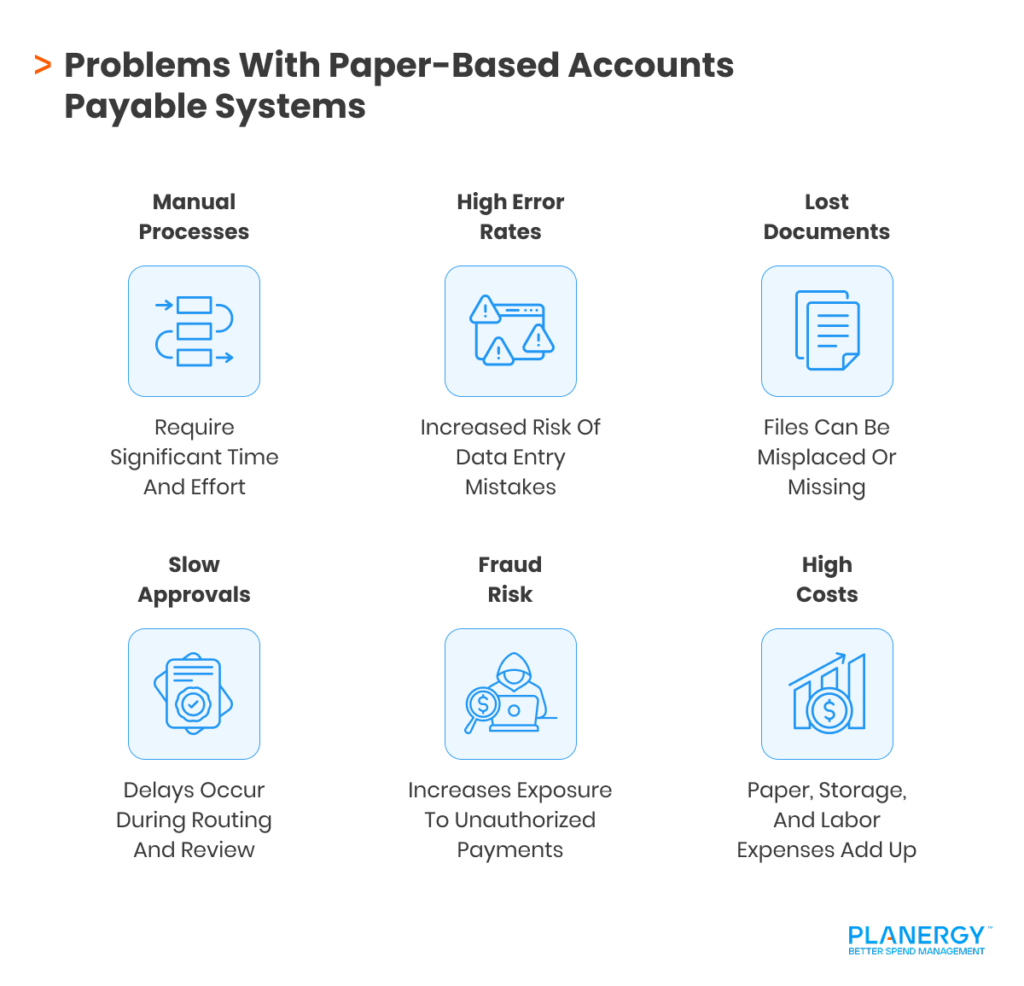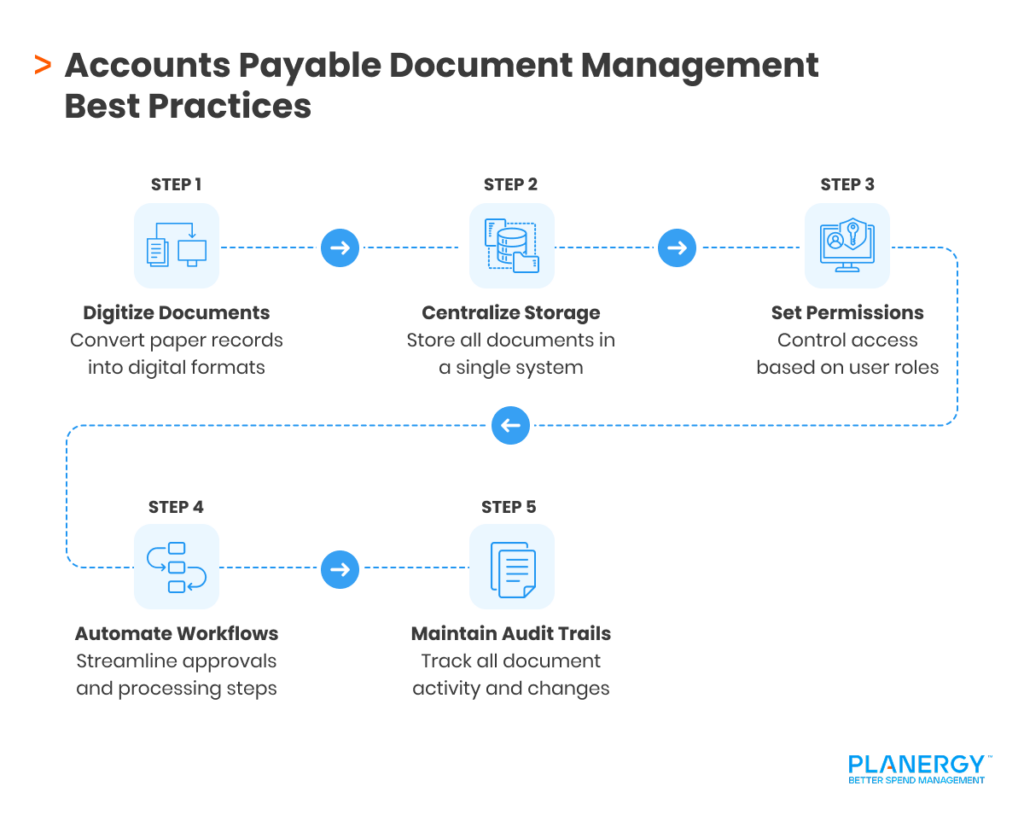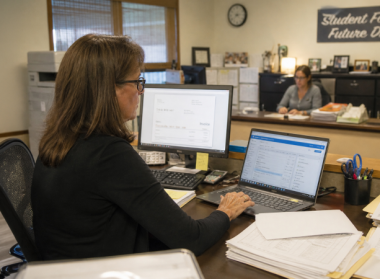

The Accounts Payable (AP) process doesn’t stop once an invoice has been paid. If you’re managing paper invoices, you’ll need to attach the check stub to the invoice and the purchase order, then file the paperwork in the vendor’s file.
If you’re processing a couple of invoices a week, there’s no issue, but if you’re processing hundreds of invoices a week, someone is likely spending hours completing this task.
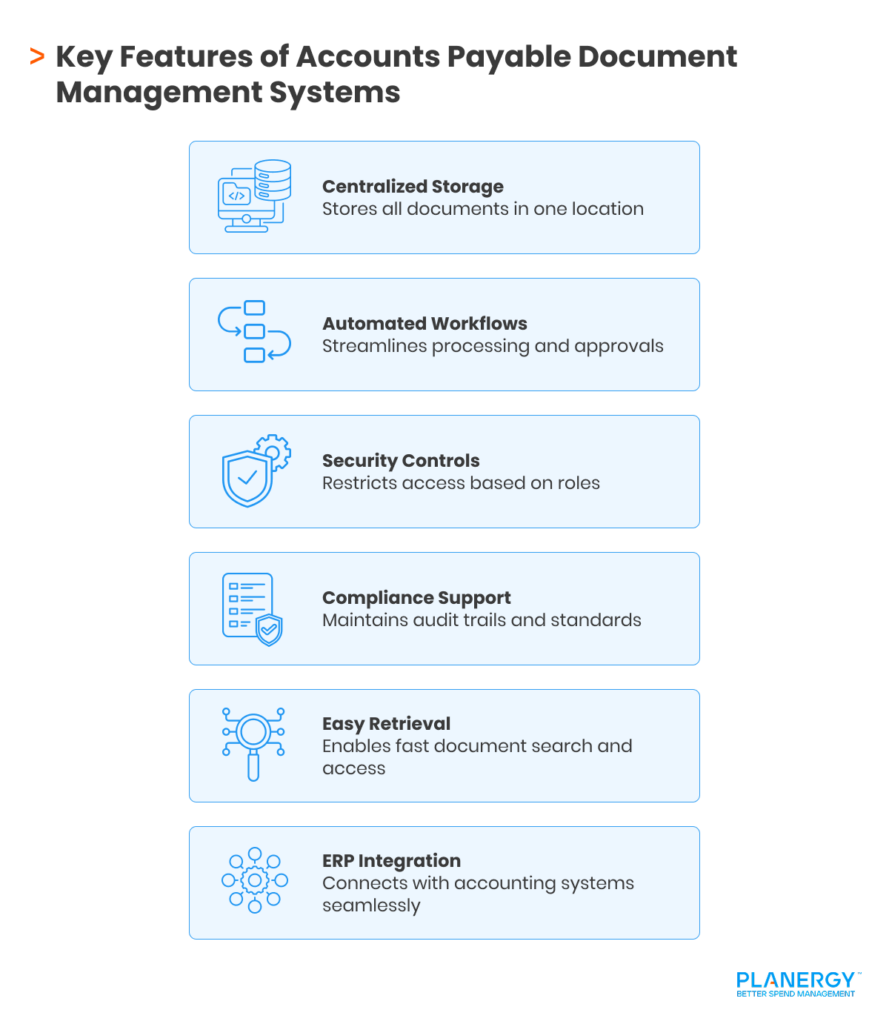
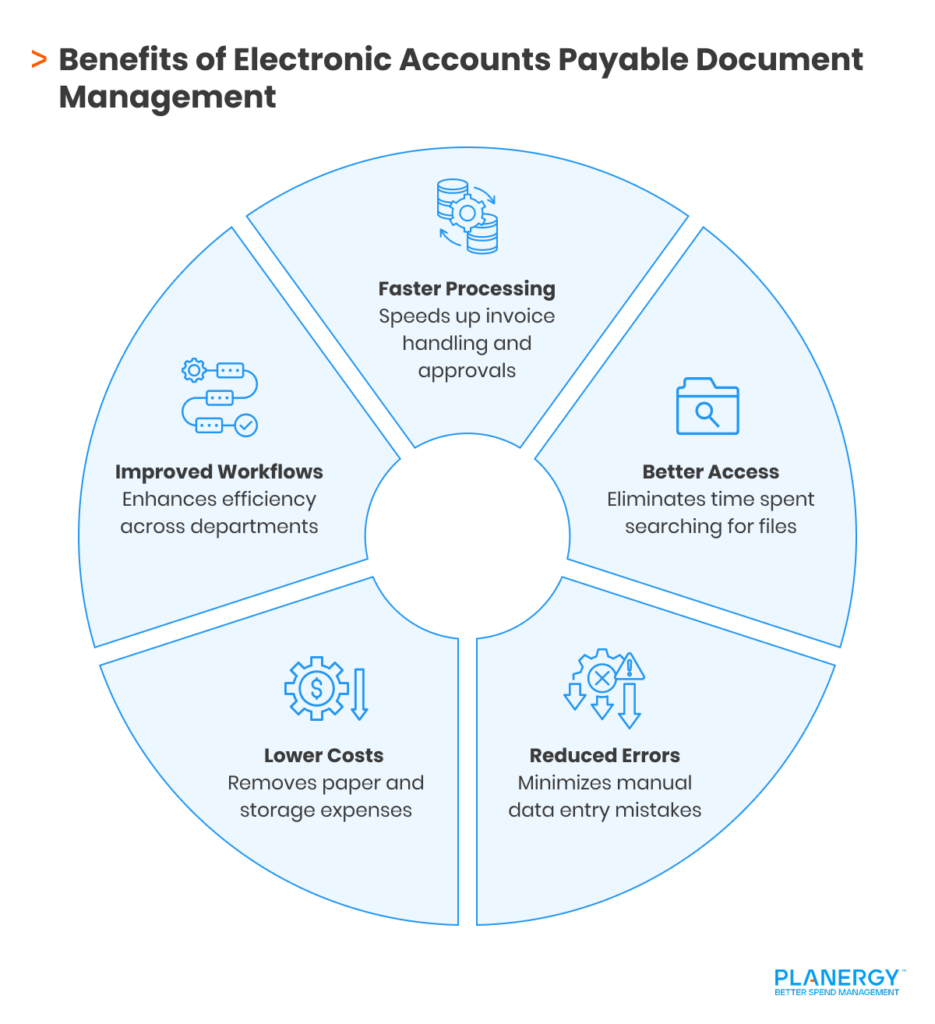
If you’re tired of spending productive hours on manual AP processes, an automation software may be the solution.
What Is Accounts Payable Document Management?
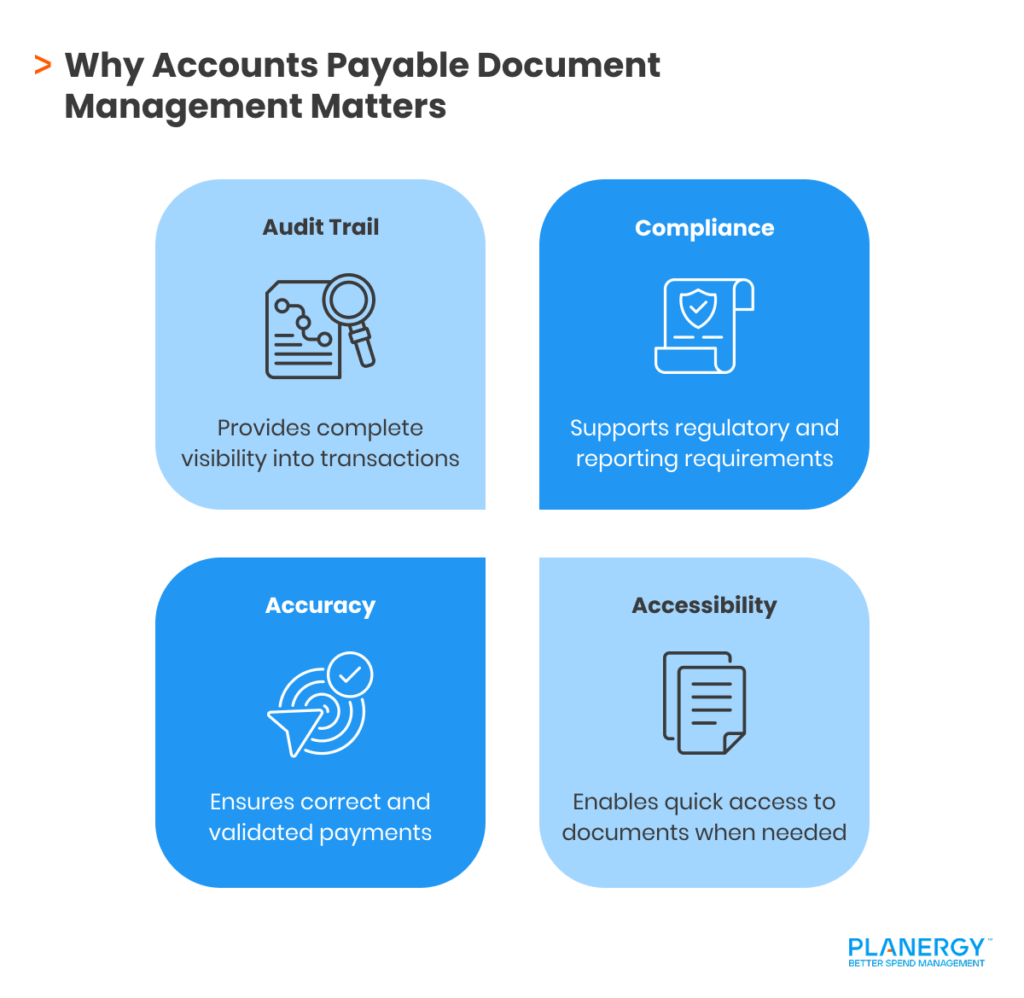
Accounts Payable document management stores all AP-related documents in an accessible location. These documents include:
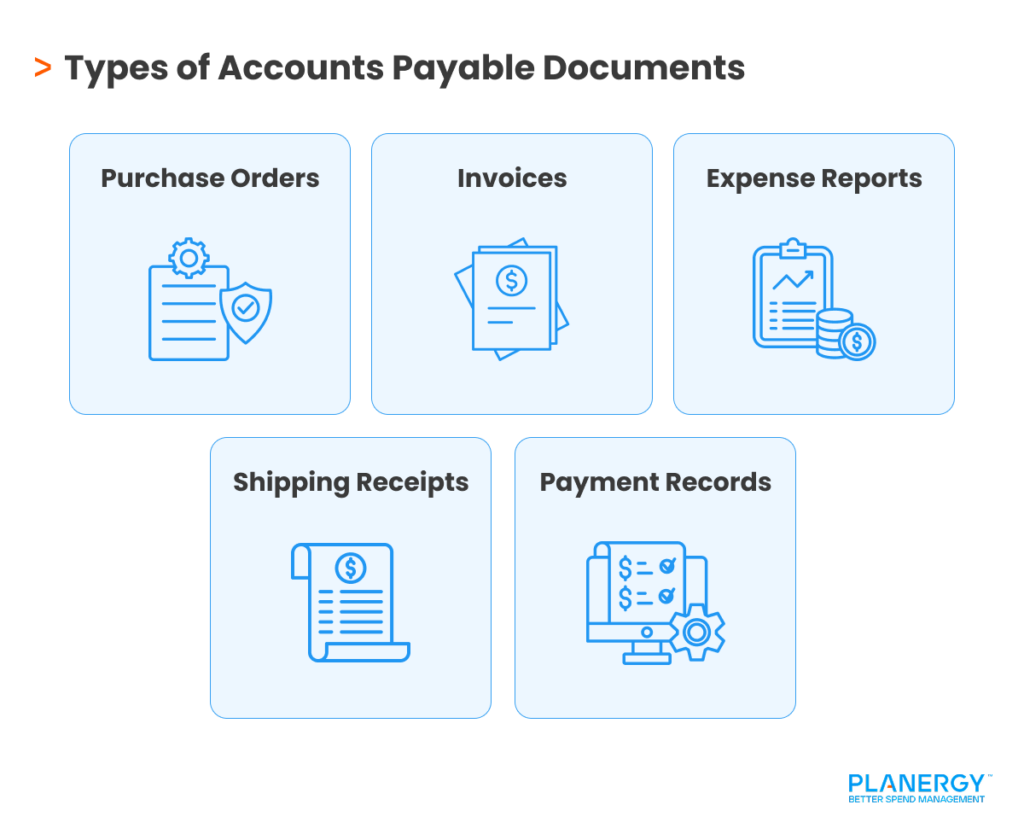
- Purchase orders
- Invoices
- Expense reports
- Shipping receipts
- Check stubs or remittance information
Ideally, this information should be properly managed from the initial purchase order issuance until the invoice is paid in full, when it should then be properly filed.
If your business has limited AP invoices to process, a paper-driven document management system may suffice, but even small businesses will benefit from using an electronic document management system.