We saved more than $1 million on our spend in the first year and just recently identified an opportunity to save about $10,000 every month on recurring expenses with PLANERGY.
Purchase order control keeps spending approved, budgeted, and visible across the entire procure-to-pay process.
Strong PO controls improve accuracy, accountability, fraud prevention, and audit readiness.
Standardized PO policies and templates reduce errors and keep purchasing consistent across teams.
Automated PO software and approval workflows prevent unauthorized spend and reduce manual effort.
Budget visibility and defined approval limits let managers act quickly without losing financial control.
Integrating POs with inventory, contracts, and audit trails delivers real-time spend visibility and stronger compliance.
Because of increasing pressure from investors, board members, and even compliance offers, an organization’s Chief Financial Officer (CFO) must be involved in all aspects of business operations.
Making use of purchase order software allows the CFO to more efficiently manage and control purchases, while ensuring employee and vendor compliance across the entire Procure-to-Pay process.
In the end, procurement will have more time for strategic buying and enabling managers to make smart decisions with purchase order best practices.
Why is Purchase Order Control So Important?
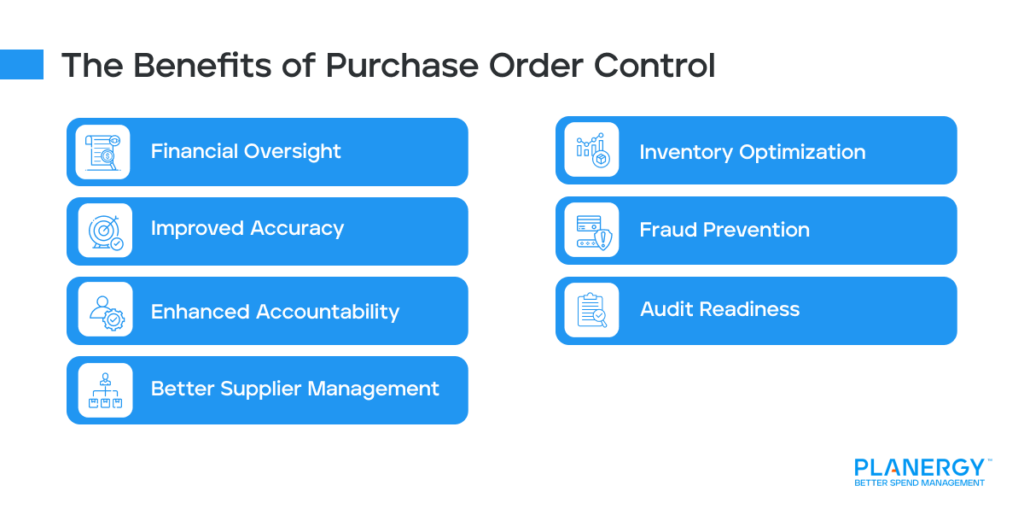
Purchase order (PO) control is crucial for many reasons, since it directly impacts your company’s financial health, operational efficiency, and overall accountability.
Financial Oversight PO control ensures that all purchases are pre-approved and align with the company’s budget, preventing overspending and maintaining financial discipline.
Improved Accuracy By standardizing the purchasing process, PO control reduces human errors, such as duplicate orders or incorrect quantities, which can lead to wasted resources.
Enhanced Accountability A well-managed purchase order system creates a clear paper trail, making it easy to track who approved and ordered what, ensuring transparency and accountability.
Supplier Management PO control helps maintain strong supplier relationships by ensuring timely and accurate orders, payments, and communication.
Inventory Optimization Linking POs with inventory systems prevents overstocking or understocking, ensuring the right materials are available when needed.
Fraud Prevention By requiring approvals and documentation, PO control minimizes the risk of unauthorized or fraudulent purchases.
Three-way matching, for instance, flags discrepancies between the purchase order, supplier invoice, and the goods received.
Audit Readiness A robust PO system provides detailed records that simplify audits and demonstrate compliance with internal and external regulations.
Operational Efficiency Streamlined PO processes save time, reduce manual work, and ensure that purchases are made in a timely and organized manner.
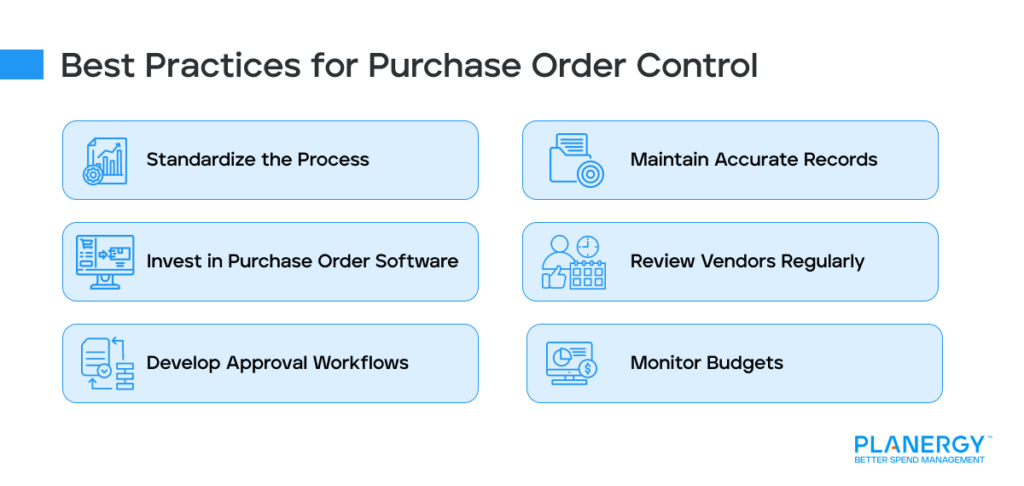
Best Practices for Purchase Order Control
Standardize the Process
Create a clear, standardized purchase order process to ensure consistency and reduce errors. Seek input from cross-departmental teams and stakeholders, and develop guidelines for creating, approving, and managing POs.
Be sure to lay out:
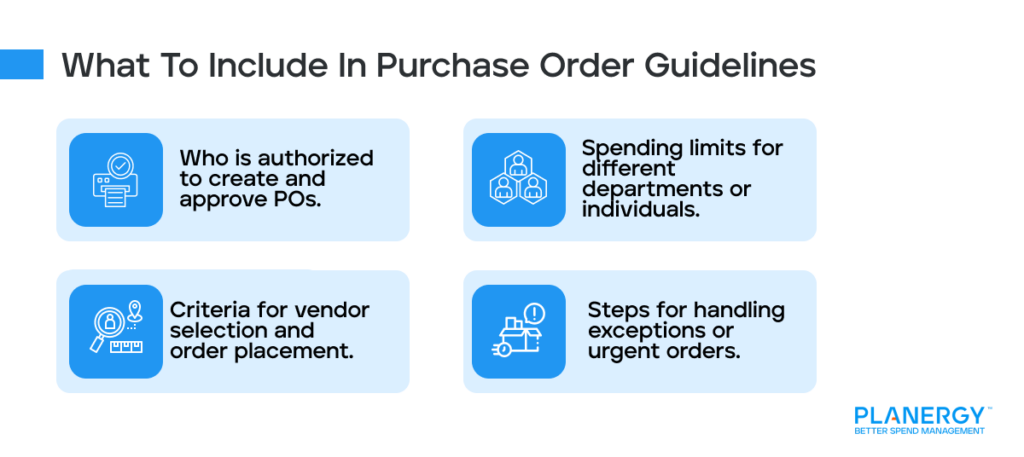
Who is authorized to create and approve POs.
Spending limits for different departments or individuals.
Criteria for vendor selection and order placement.
Steps for handling exceptions or urgent orders.
For instance, a purchasing policy might state that purchase orders over $10,000 require approval from the finance department, while department heads can approve smaller orders.
Create a template that includes vital information, such as the purchase requisition number. This can then be tied to the purchase order number at the very time the order is created. Templates like this will make the process easier for everyone.
Invest in Purchase Order Software
If you’ve been using a manual purchase order process for a while, there are likely a number of purchases happening without first using a purchase request and approval process.
Purchase order management software allows you to create and enforce a set of business rules for purchasing. All purchases must begin with a purchase requisition, which is then sent through an automated purchase order approval process.
Only once the appropriate staff members have approved the requisition does it become an official purchase order that’s sent to the vendor for fulfillment.
The automated workflow eliminates the need for re-keying data, reducing error risk, and ensures no purchases are approved without the necessary purchase requisition.
This makes it easier to keep all departments on budget, and to keep your bottom line where you expect it to be.
Develop Approval Workflows
While it will take a bit of time to set up the approval process and workflows based on spending thresholds in accordance with your purchasing process, it is well worth it.
Approval workflows provide internal controls for the finance team and makes it easier for the procurement department to achieve cost savings.
For example:
All purchases under $100 from Amazon.com, such as office supplies, are cleared to be self-approved, as long as the amount remains free in the department’s budget.
Any purchase from other vendors, between $100-$1,000 must be approved by the department manager.
Any purchase in excess of $1,000 must be approved by the department manager, as well as his or her direct supervisor.
And so on.
All that matters is that you set the controls to suit your business structure and company policy.
The automated approval process means the purchase requisition is automatically forwarded to the appropriate person for approval before it moves to the next step.
Approval is as simple as logging in and clicking a button.
This ensures that large purchases must be approved by multiple people before they become official purchase orders.
Each person in the chain must also have the appropriate user permissions and access to the department budget information.
If a department manager hits a certain spending threshold within a month, approvals can be routed above them to ensure spending remains controlled.
With the appropriate approval workflows and spending thresholds in place, you can allow department managers to approve lower value purchases.
This empowers your department managers to make smart decisions while freeing up time for the procurement team.
Decentralizing your purchasing allows managers and employees to get what they need when they need it, boosting overall morale.
Maintain Accurate Records
You must keep detailed records of all POs, including vendor details, quantities, and costs, for easy reference and audits. An e-procurement platform helps with this by keeping digital records and audit trails that show who performed what action and when.
Review Vendors Regularly
Evaluate vendor performance and pricing periodically to make sure you’re still getting the best value. Rely on supplier scorecards and other data to determine how well your vendors maintain contract compliance.
Monitor Budgets
Align purchase orders with budget limits to avoid overspending and maintain financial control. Your procurement system and approval workflows should alert you when a department is at risk of going over budget.
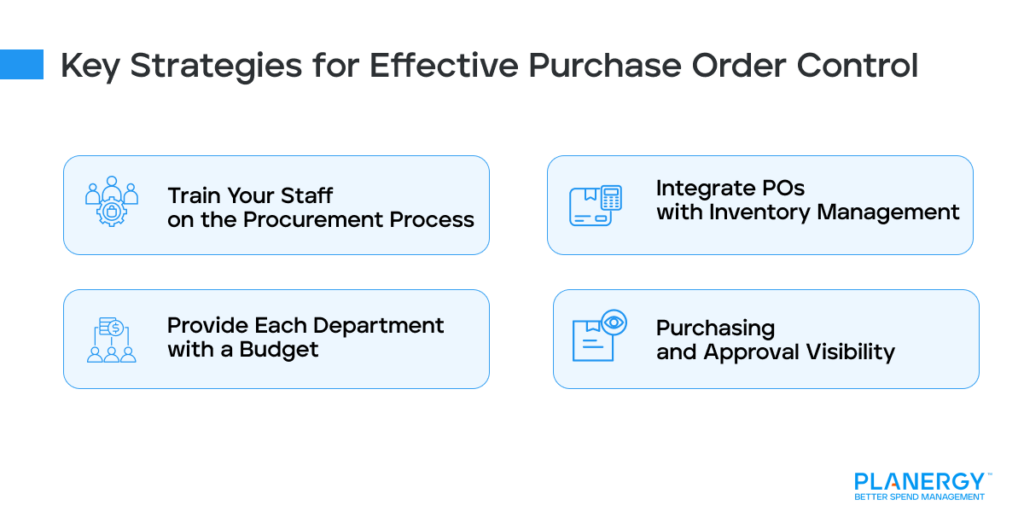
Key Strategies for Effective Purchase Order Control
Train Your Staff on the Procurement Process
You can’t expect your staff to follow new policies and procedures if you don’t properly train them. Provide everyone involved with the PO process adequate training to make sure they understand policies, tools, and best practices.
Provide Each Department with a Budget
Decentralizing your purchasing doesn’t mean you’re giving up control over purchasing. You’ll still have control over whether a purchase is in line with the company budget.
Purchase order software allows employees and department managers to view the current budget and availability of funds when they enter or approve a purchase requisition.
If a requisitioned item exceeds the budget, the software automatically triggers the over-budget approval routing, so that it can be approved if it is required for continued business operations.
Once the appropriate staff member receives the notification about the over-budget item, the manager can approve or reject it, ensuring everyone maintains their budget and curbs rogue spending.
Though initially time-consuming, the more effort you put into setting up your approval processes and workflows, the more efficiently the system will run.
Monitor Blanket Purchase Order and Vendor Contracts
With the right purchase order software, you’ll also have a contract management system that allows you to track your purchase requisitions against contracts, track contract expiration dates, and more.
This allows you to make sure purchases are happening in compliance with the contract’s terms, so you’re capturing all the discounts you’re entitled to across your entire supply chain.
Integrate POs with Inventory Management
Link your POs with inventory systems to avoid overstocking or understocking and ensure accurate demand forecasting. The seamless connection between procurement and stock control ensures you get accurate real-time inventory updates.
For example, if a PO for 500 units of a product is fulfilled, the inventory system will immediately reflect the addition, eliminating the need for manual updates.
Plus, you’ll be able to set reorder points for inventory, so the system can automatically generate a PO once stock levels fall below a certain threshold. This way, you can avoid production interruptions.
Purchasing and Approval Visibility
Proper purchase order control keeps the transaction amount, budget availability, and approval process transparent. This transparency ensures you’ll be able to maintain internal spending controls while adhering to any external auditing requirements.
Procurement software also helps you to fulfill both internal and external compliance requirements since it provides contract approval dates and attached documents, such as your service level agreements, pricing sheets, and more.
The quick and easy access to this information helps you ensure timely contract completion. If the legal department hasn’t yet approved a contract, you can approach legal directly, instead of wasting time tracking down the document.
Your purchasing system will provide real-time spend visibility into what’s happening throughout the company. You can view reports and inventory records from any department at any given time.
And, with the audit trail, there is a record of who takes what action and when so that all employees can be held accountable.
Replace Manual Processes for Better Spend Management
With proper visibility into the information you need for effective contract and purchasing management, your CFO can do the job more effectively without having as many hands involved.
Your accounts payable department will be able to pay bills faster, giving you leverage to negotiate better payment terms and capture early payment discounts in the future.
1. Use PLANERGY to manage purchasing and accounts payable
We’ve helped save billions of dollars for our clients through better spend management, process automation in purchasing and finance, and reducing financial risks. To discover how we can help grow your business:
Download a free copy of our guide to better manage and make savings on your indirect spend. You’ll also be subscribed to our email newsletter and notified about new articles or if have something interesting to share.
3. Learn best practices for purchasing, finance, and more
Browse hundreds of articles, containing an amazing number of useful tools, techniques, and best practices. Many readers tell us they would have paid consultants for the advice in these articles.
We use cookies to personalise content and ads, to provide social media features and to analyse our traffic. We also share information about your use of our site with our social media, advertising and analytics partners who may combine it with other information that you’ve provided to them or that they’ve collected from your use of their services.
The technical storage or access is strictly necessary for the legitimate purpose of enabling the use of a specific service explicitly requested by the subscriber or user, or for the sole purpose of carrying out the transmission of a communication over an electronic communications network.
Preferences
The technical storage or access is necessary for the legitimate purpose of storing preferences that are not requested by the subscriber or user.
Statistics
The technical storage or access that is used exclusively for statistical purposes.The technical storage or access that is used exclusively for anonymous statistical purposes. Without a subpoena, voluntary compliance on the part of your Internet Service Provider, or additional records from a third party, information stored or retrieved for this purpose alone cannot usually be used to identify you.
Marketing
The technical storage or access is required to create user profiles to send advertising, or to track the user on a website or across several websites for similar marketing purposes.